Step 1: Prepare Your Databases
If you want to follow along, download the free Trial Edition of Data Loader if you haven't already.
We'll migrate the Microsoft sample Northwind database. If you don't already have it, you can download it from Microsoft's site and install it in MS SQL Server.
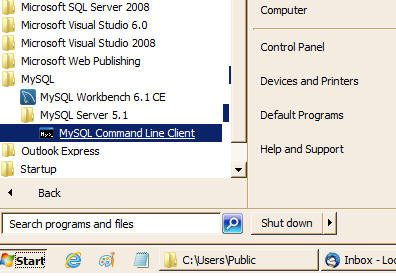
First, create a blank target database in MySQL. Start the MySQL Command Line utility:
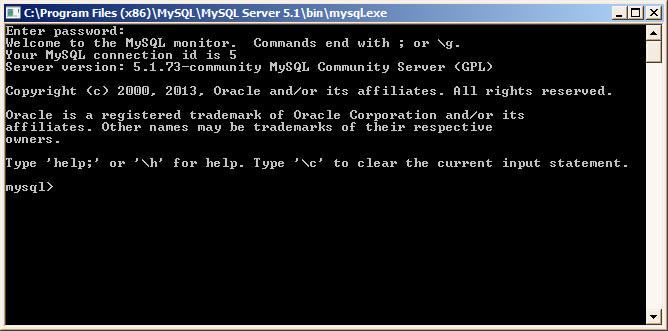
You'll be prompted for a password — type your root password and press Enter:
At the MySQL prompt, create the blank database:
mysql> Create database NorthWind;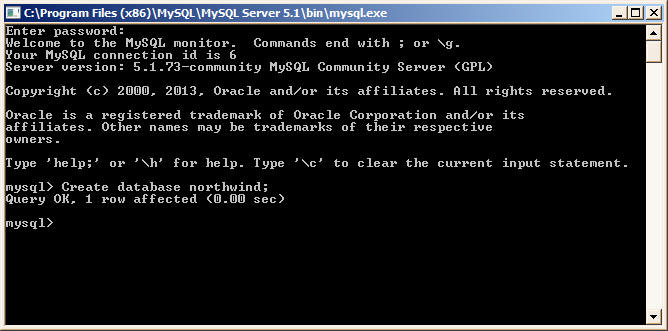
After creating the target MySQL database, start the Data Loader utility.