Start Data Loader by clicking its icon and you'll be presented with the Welcome Screen.
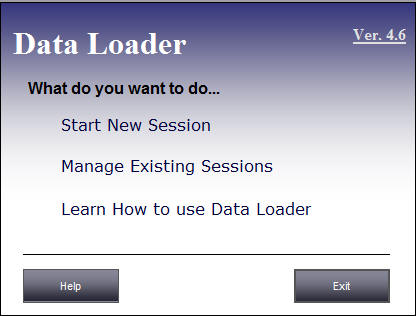
On this screen, click "Start New Session". You'll then see the Choose Source and Destination Database form.
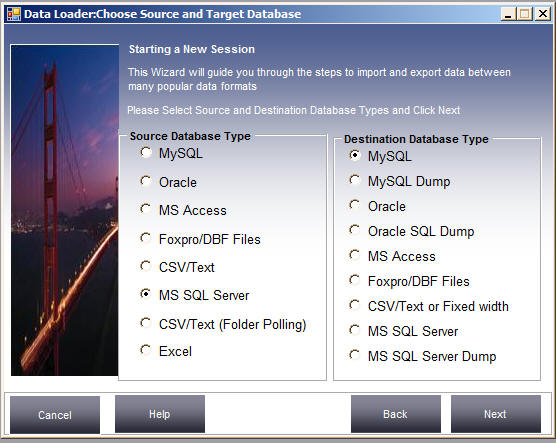
Select the MS SQL Server option button in the Source Database Type section and MySQL in the Destination Database Type section, then click "Next".